Skip to content

Your customer list, finally organised.

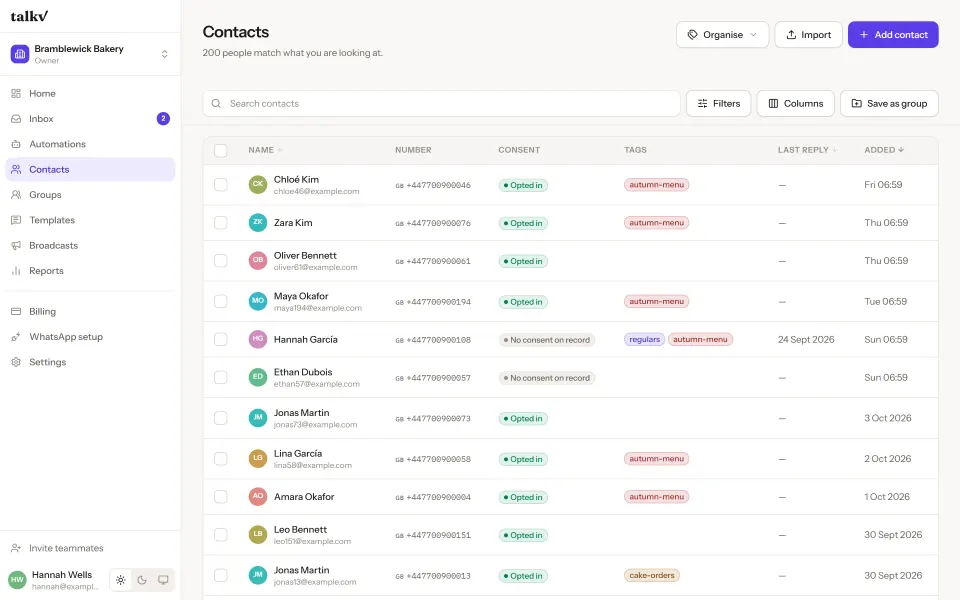
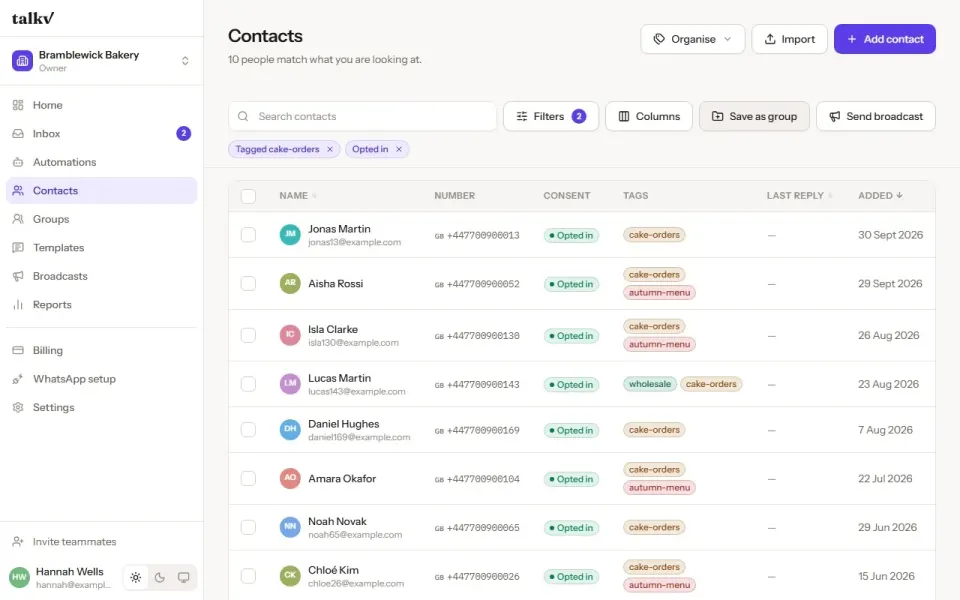
Bring in the spreadsheet you already have. talkv tidies the numbers, records who agreed to hear from you, and turns any filter into an audience.

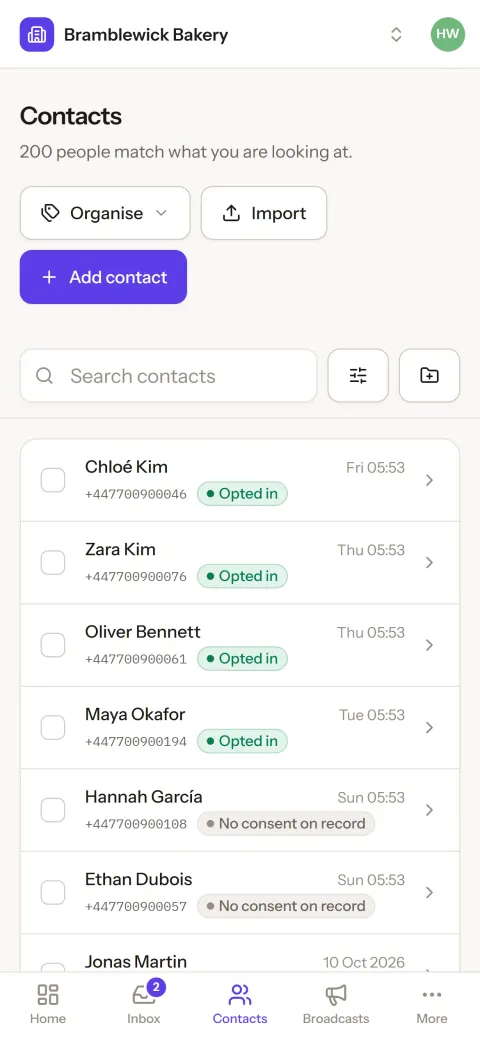
The contacts list on a phone: 200 people, each marked opted in or no consent on record.
Bramblewick Bakery is a made-up business. The screens are the real product.

Groups

A filter becomes an audience

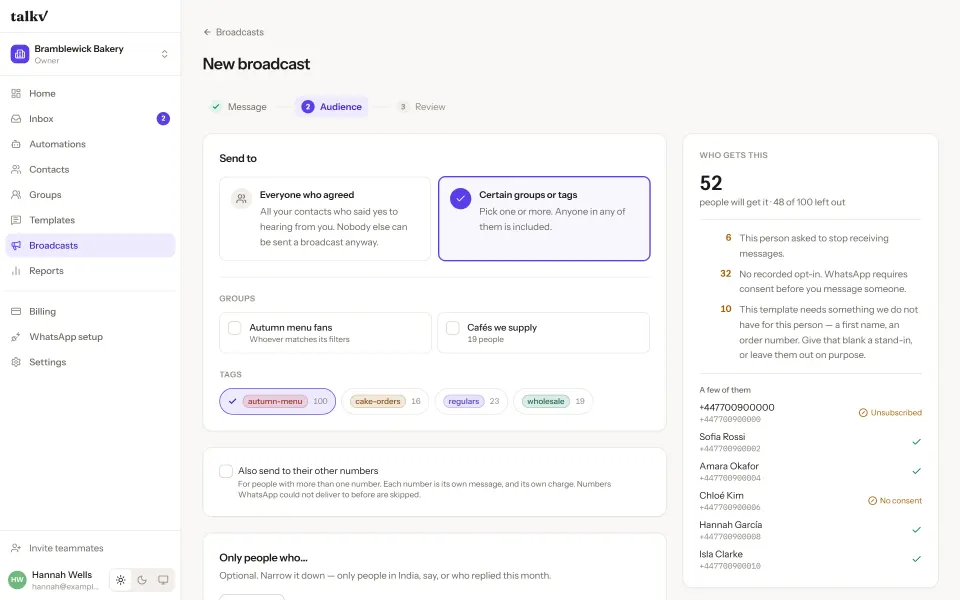
Filter on any field, tag, group or consent. Save the filter as a smart group that keeps itself up to date — “tagged wholesale, opted in” — or build a fixed group by hand.

Groups are lists inside talkv, not WhatsApp groups: people never see each other, and nobody is added to anything on WhatsApp.

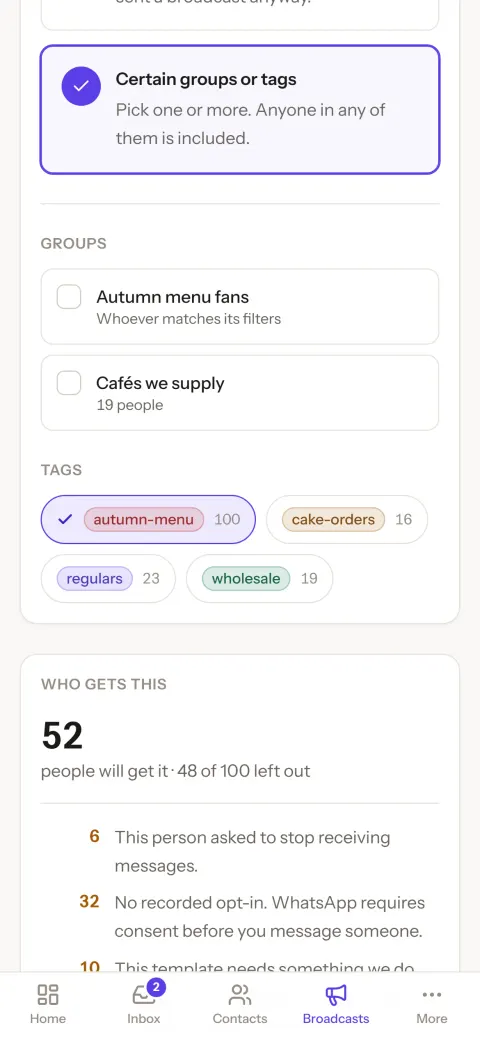
Choosing who gets a broadcast on a phone: the autumn-menu tag selected, and 52 people will get it — 48 of 100 left out.

Import

Bring the spreadsheet you have

Upload a file from Excel or Google Sheets, up to 20 MB. talkv guesses the columns and you confirm them. Phone numbers in any local format are tidied, and numbers without a country code use your workspace’s country.

Tags and your own fields, a timeline for every person, and a duplicates screen that finds repeats and merges them. Deleting a contact keeps their unsubscribe on record, so the same spreadsheet can never bring them back.

Fig. — an import, tidied customers.csv · digits masked
  • In the file: 098XX XXX345

    In talkv: +91 98XX XXX345

    Leading 0 dropped; India, from your workspace

  • In the file: +91 98XX-XXX345

    In talkv: Left out

    Same number as the row above — the first was kept

  • In the file: 0091 97XXX XX210

    In talkv: +91 97XXX XX210

    00 read as +

  • In the file: 12345

    In talkv: Left out

    Not a valid international number

  • In the file: (empty)

    In talkv: Left out

    No phone number in this row

Every row left out is listed after the import with its reason, so the file can be fixed and brought in again.

Questions

Asked when moving a list across.

Something else? Write to us — a person answers.

Can I import my customer list from Excel or Google Sheets?

Yes. Save it as a CSV (up to 20 MB) and upload it. talkv guesses which column is which and asks you to confirm, tidies phone numbers written in any local format, and uses your country for numbers without a code.

How does talkv record consent?

Every contact is opted in, unsubscribed, or has no consent on record. Broadcasts only go to people who opted in. An import never re-subscribes somebody who unsubscribed, and there is no button that marks a whole list as subscribed.

Are talkv groups the same as WhatsApp groups?

No. A group in talkv is a list you send to. People in it never see each other and are never added to anything on WhatsApp. A smart group is a saved filter that keeps itself up to date.

What if a whole family shares one phone number?

One number is one contact, and the contact can list everyone else who uses it, each with a name and birthday. A birthday broadcast greets whoever’s birthday it is by their own name; every other broadcast reaches the number once.

What happens when I delete a contact?

They are erased: details, notes, tags, groups, the others on their number, and every chat. It cannot be undone. The one thing kept for somebody who unsubscribed is their number and the opt-out, so importing the same spreadsheet again never signs them back up.

Three colleagues gathered round a laptop in a glass-walled meeting room.

Your customers are waiting. Say hello today.

₹50 credit to start and no monthly fee. Your number and your chats stay yours.