Make a WhatsApp QR code. Scan, and you’re chatting.
For the counter, the menu, the visiting card. One scan opens a chat with your business, with your message already typed — and the code never expires.
QR code generator
Print it well
Six things a printed code needs.
- Keep the white border. It is part of the code — the QR standard asks for four squares of it on every side, and the download includes them. Cropping it, or setting the code on a photo or a pattern, is what stops a printed code scanning.
- Dark on light. Black on white reads on every phone. A light code on a dark background, or a pale colour on white, fails on a good share of them.
- Big enough for where people stand. A code on a visiting card is scanned from a hand’s length; one on a shop window from across the pavement, and needs to be far larger. Judge it on the printed proof, not on the screen.
- Never stretched. Resize it from a corner so it stays square. For anything larger than a page, use the SVG.
- Say what it does. “Scan to chat with us on WhatsApp” beside it. People scan a code they understand.
- Scan it before you print a thousand. From the printed proof, with two different phones, at the distance people will stand.
Where to put it
Wherever a customer has a minute.
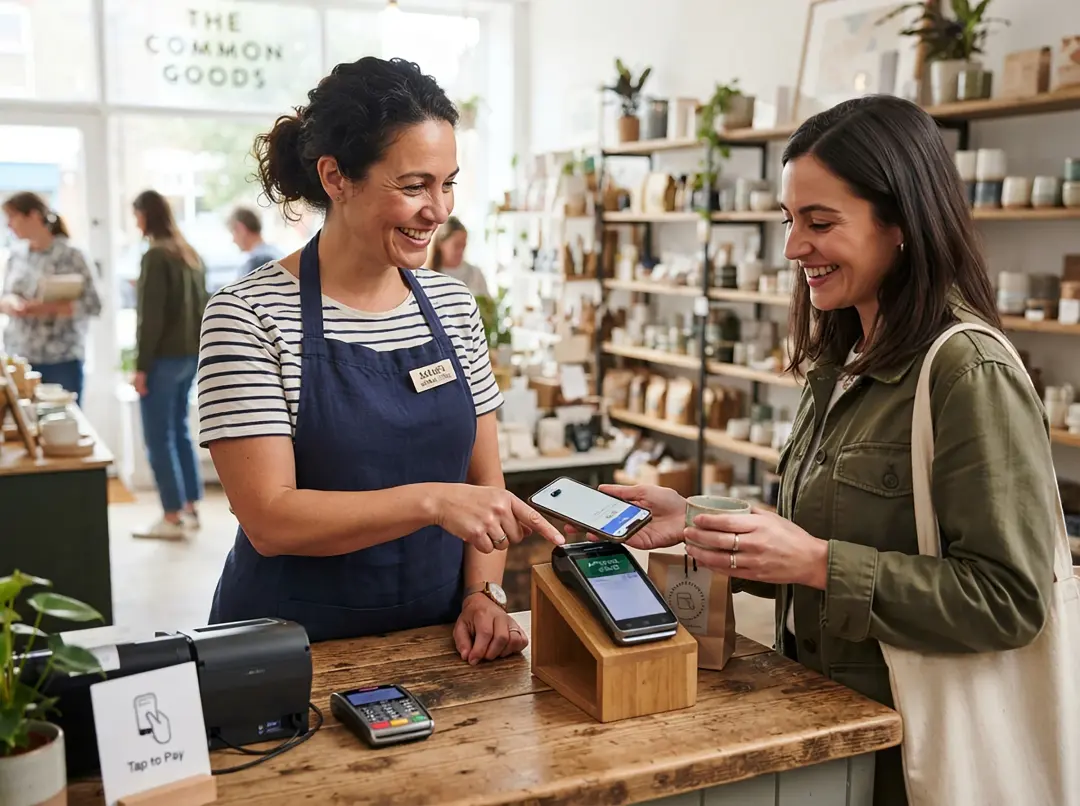

- The counter. A card by the till, for “message us when it is ready” and repeat orders.
- Menus and table tents. Orders, bookings and “do you deliver?” without a call.
- Visiting cards. On the back, so nobody has to type your number in.
- Packaging and invoices. For questions after the sale — which is where the next order starts.
- Posters and the shop window. For the people walking past when you are closed.
- Delivery bags and receipts. With a message like “I’d like to order again”, already typed.
Want it on a card with your name, colour and logo? The QR code designer makes a counter card, table standee or sticker, ready to print. Need the link on its own, for a bio or a website button? The WhatsApp link generator is the same tool with the link first.
Why it never expires
The code is the link. Nothing sits between.
Many QR sites make a “dynamic” code: it points at their server, which forwards each scan to you. That is what lets them offer editing later — and it is why printed codes stop working when the free trial ends or the subscription lapses, on every menu and card already printed.
This code holds your wa.me link itself. Scanning it never touches
talkv or anybody else, so it cannot be switched off. The trade is plain: to
change the number or the message, you make a new code and print it again.
Questions
Asked about WhatsApp QR codes.
Something else? Write to us — a person answers.
How do I make a QR code for my WhatsApp number?
Type your number above, with or without a message, and the code is drawn as you type. Download it as a PNG or an SVG. Scanning it opens a WhatsApp chat with your number, with the message ready to send.
Is it free?
Yes. We charge nothing for this tool and WhatsApp charges nothing for the code. You do not need a talkv account, and there is no watermark.
Does the QR code expire?
No. The code holds your wa.me link itself, not a link to a service that forwards it, so it works for as long as your number is on WhatsApp — whether or not this site exists.
Can I change the number or message later?
Not on a printed code. It holds exactly what you typed, so a new number or message means a new code. That is the other side of it never expiring: codes you can edit later work by sending every scan through somebody else’s server first.
Should I download the PNG or the SVG?
The PNG for most things — Word, Canva, WhatsApp status, a print shop that asks for an image. The SVG for a designer or a large print: it stays sharp at any size, so a banner never comes out blurred.
Can I put my logo in the middle?
Not on this plain code, which keeps all of its spare data for surviving scratches and creases. The QR code designer can: it raises the code’s error correction to make room for the logo, puts it on a card with your name and colour, and reads its own drawing back before you download, so a code that does not scan never reaches the printer.
Do people need a QR scanner app?
Usually not. Most phone cameras read a QR code directly and offer to open it, which opens WhatsApp. WhatsApp’s own camera reads it too.
When the chats arrive
A code brings the chats. talkv answers them.
A shared inbox so your whole team can reply, an away message for when you are closed, and keyword answers for “price” and “timings”. When somebody agrees to hear from you, record it — a person writing to you is not, on its own, a yes to broadcasts. What counts as opt-in.